
Recently, phpBB developers introduced a bug that causes the ACP to become completely inaccessible under certain settings. Your dashboard may show a PHP warning along with raw gzip-compressed binary data rendered as text. This article explains how to regain access to the ACP.
Root cause
The warning looks exactly as follows and appears at the top of the ACP:
[phpBB Debug] PHP Warning: in file [ROOT]/phpbb/version_helper.php on line 244: Undefined array key "eol"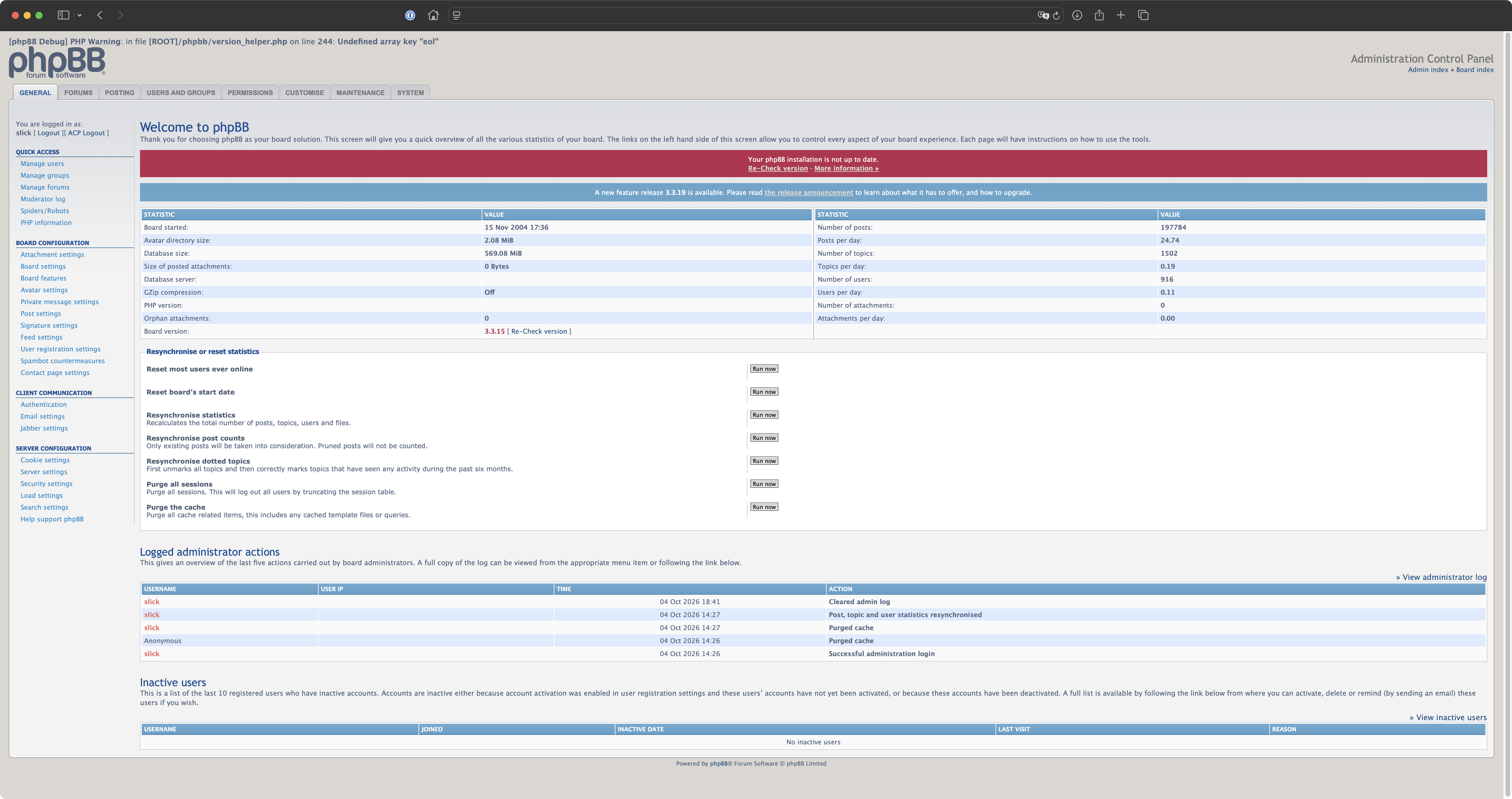
The issue was caused by a change in the version-checking data served by phpBB's infrastructure. The response was missing the expected eol key, triggering a PHP warning that interfered with gzip compression and caused the browser to display raw binary data instead of the ACP. The phpBB team acknowledged the issue and corrected the version-checking data several days ago.
Solution
The idea is to disable gzip compression and purge the affected board's cache. Disable the setting using SQL:
UPDATE phpbb_config
SET config_value = '0'
WHERE config_name = 'gzip_compress';
If your board uses a different table prefix, adjust accordingly.
Now, to purge the cache, SSH into the server hosting the affected phpBB board and run the following command from the project's root directory:
php bin/phpbbcli.php cache:purgeAfter that, access to the ACP should be restored. The warning won't disappear, but at least everything will still be accessible to administrators. Upgrading to the latest phpBB version (3.3.19 at the time of writing) is also recommended, although it may not resolve the warning itself.