Playing The Neverhood on modern macOS is very easy thanks to ScummVM software. All you need is the original compact disc with the game itself. Follow this guide to flawlessly run The Neverhood from 1996 on macOS Sequoia in 2026.
Requirements
Download version of the ScummVM that is suitable for your version of macOS and make sure your disc with The Neverhood is ready. For convenience you can create an ISO image and double click it in Finder to mount it.
What is ScummVM?
ScummVM is a free and open-source program that lets you run classic point-and-click adventure games on modern systems. Instead of emulating old hardware (like DOSBox), ScummVM reimplements the original game engienes.
Adding The Game
Open ScummVM and on the right side click Add Game. Once new window pops up, point it to the DATA directory located on the disc.
/Volumes/Neverhood/DATA/ ls -alh
total 1246356
drwxr-xr-x 1 slick staff 2,0K 16 sep 1996 .
drwxr-xr-x 1 slick staff 2,0K 1 jan 1970 ..
-rwxr-xr-x 1 slick staff 48M 16 sep 1996 a.blb
-rwxr-xr-x 1 slick staff 231M 16 sep 1996 c.blb
-rwxr-xr-x 1 slick staff 4,1M 16 sep 1996 hd.blb
-rwxr-xr-x 1 slick staff 40M 16 sep 1996 i.blb
-rwxr-xr-x 1 slick staff 51M 16 sep 1996 m.blb
-rwxr-xr-x 1 slick staff 16M 16 sep 1996 s.blb
-rwxr-xr-x 1 slick staff 218M 16 sep 1996 t.blbOnce done, the game automatically appears on the list of added games.
In-game Settings Adjustment
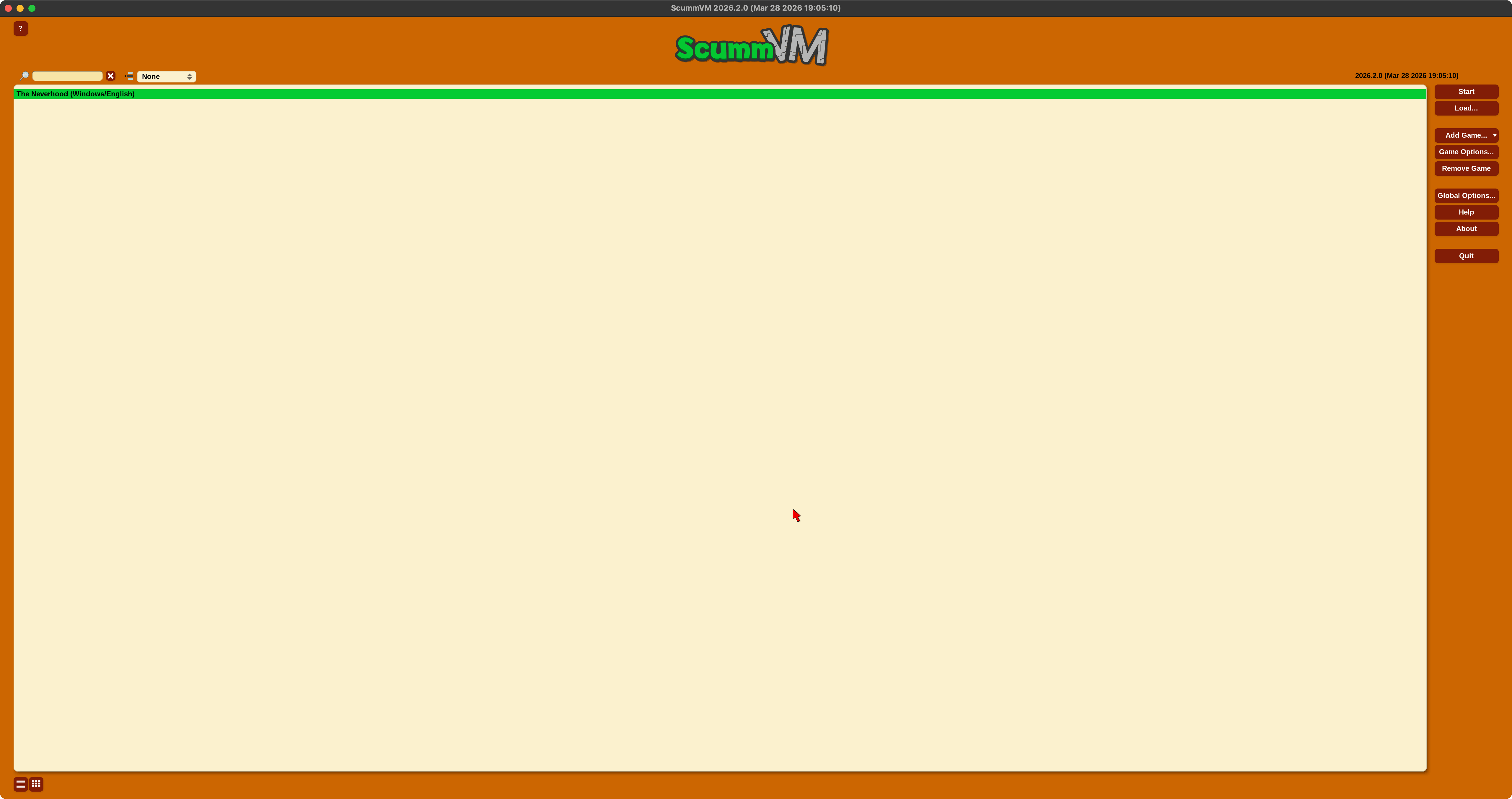
Once The Neverhood is selected, click on Game Options and set the following settings:
- Game tab
- Tick
Use original save/load screens
- Tick
- Graphics tab
- Tick
Override global graphics settings - Tick
Aspect radio correction - Tick
Fullscreen mode
- Tick
Gameplay
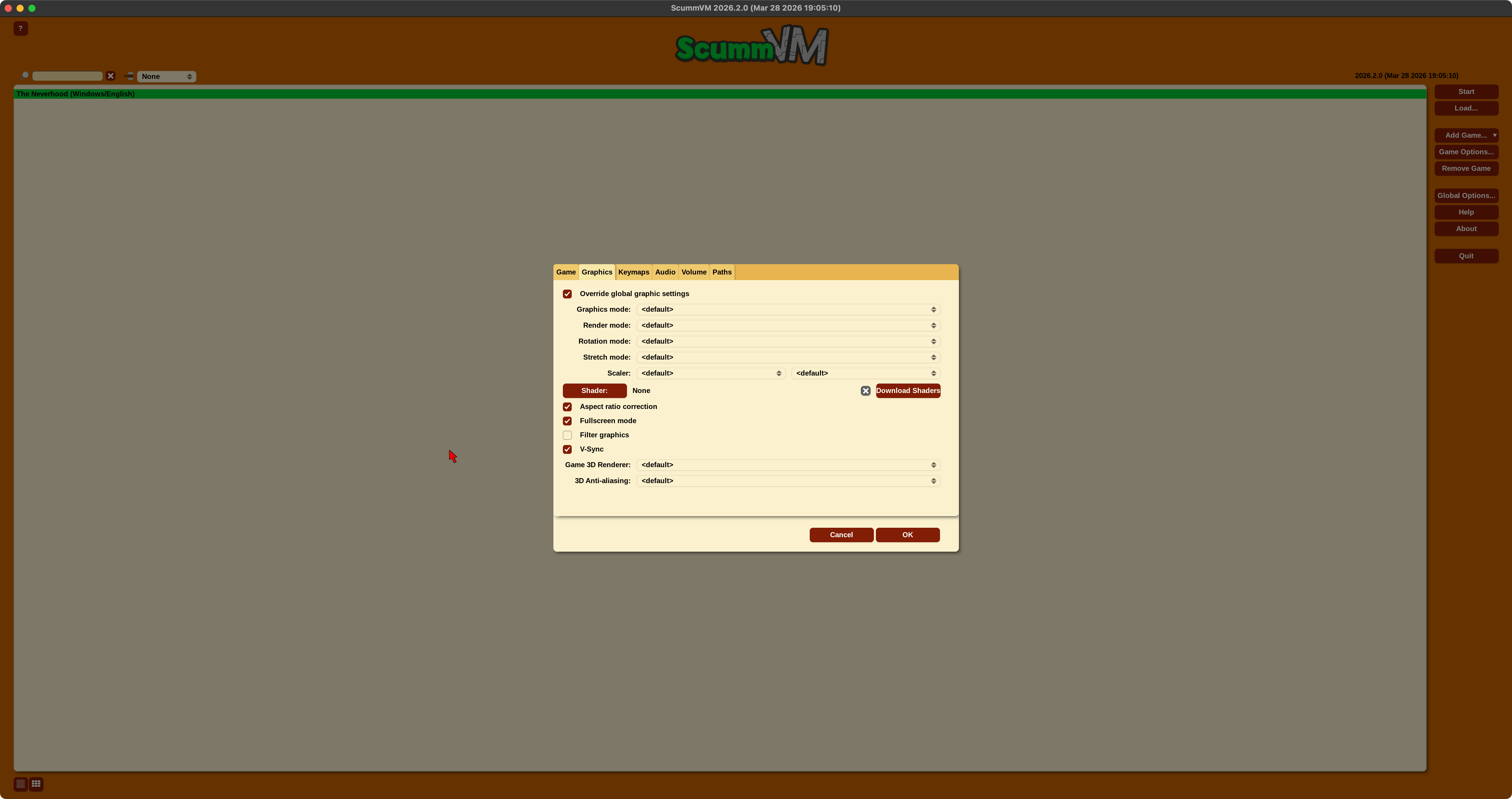
Believe or not, this is all we had to do. Now double click on the game's name to run it. After seeing famous DreamWorks Interactive branding and the intro scene, you start in the Nursery room - place where your journey begins.
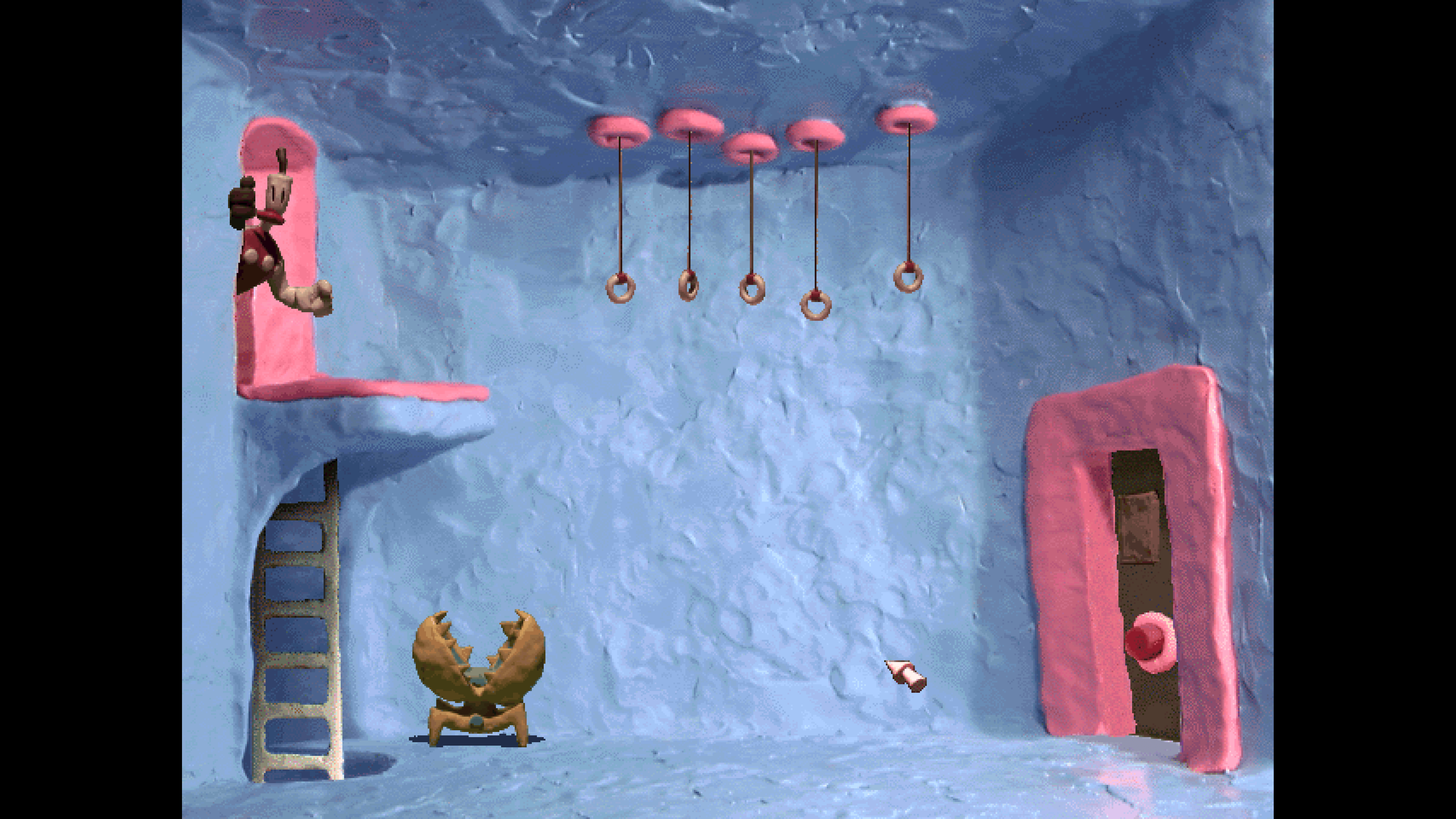
Familiar scenes? Enjoy this awesome, non-violent game!